How it works
From your phone.
Into your hands.
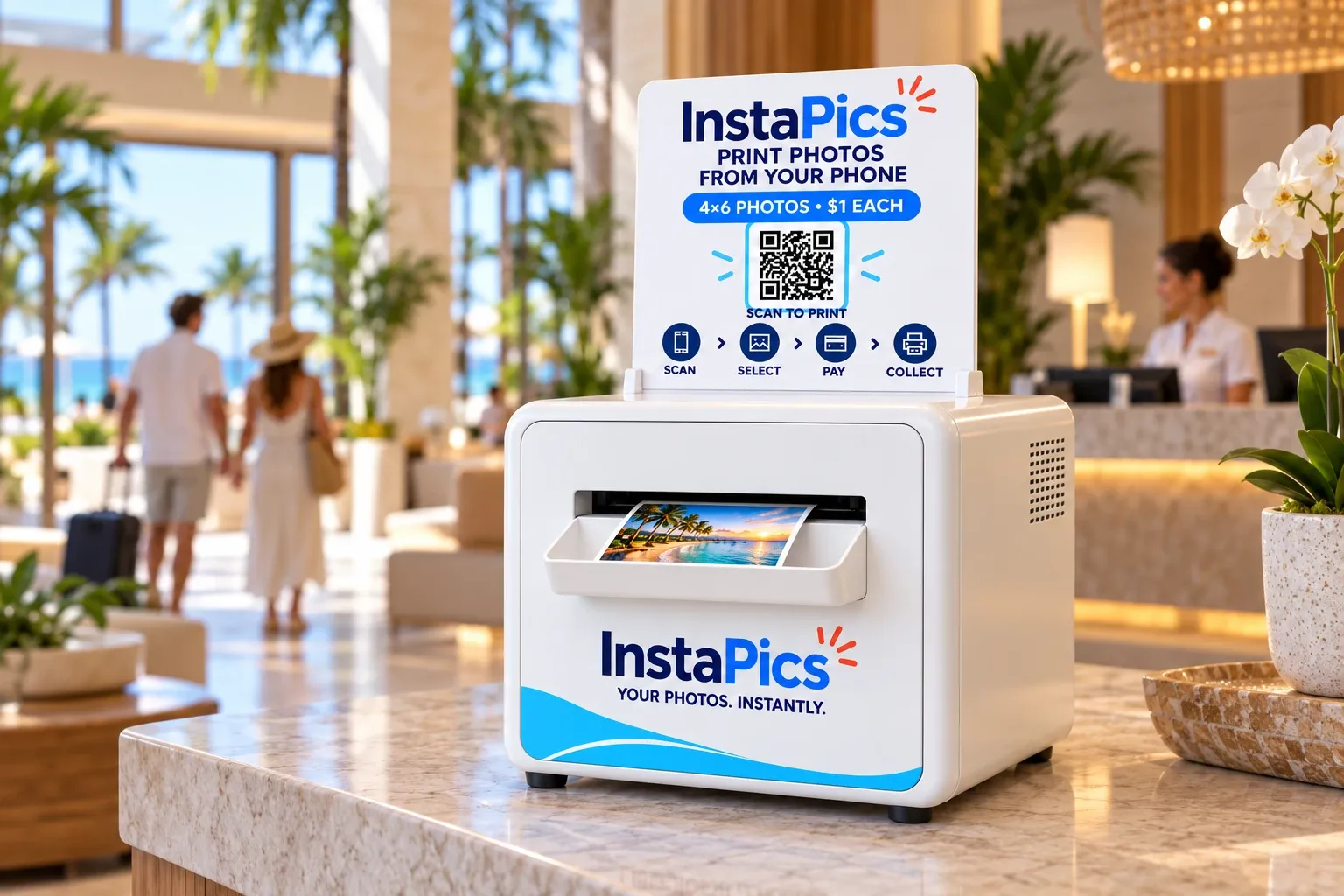
Scan the QR code, pick your favorites, pay on your phone, and collect 4 × 6 prints at the kiosk. No app, just scan—$1 per print.

PRINT PHOTOS
FROM YOUR PHONE
High-quality 4×6 prints in seconds

- Select photosfrom your phone
- Pay $1 eachSecure and easy payment
- Print instantlyHigh-quality 4×6 prints
Phone to print
Four simple steps.
- 01Scan
Open your phone camera and scan the QR code on the kiosk. No app needed.
- 02Select
Choose your favorites, adjust the crop, and review.
- 03Pay
Check the total and pay on your phone. $1 per 4 × 6 print.
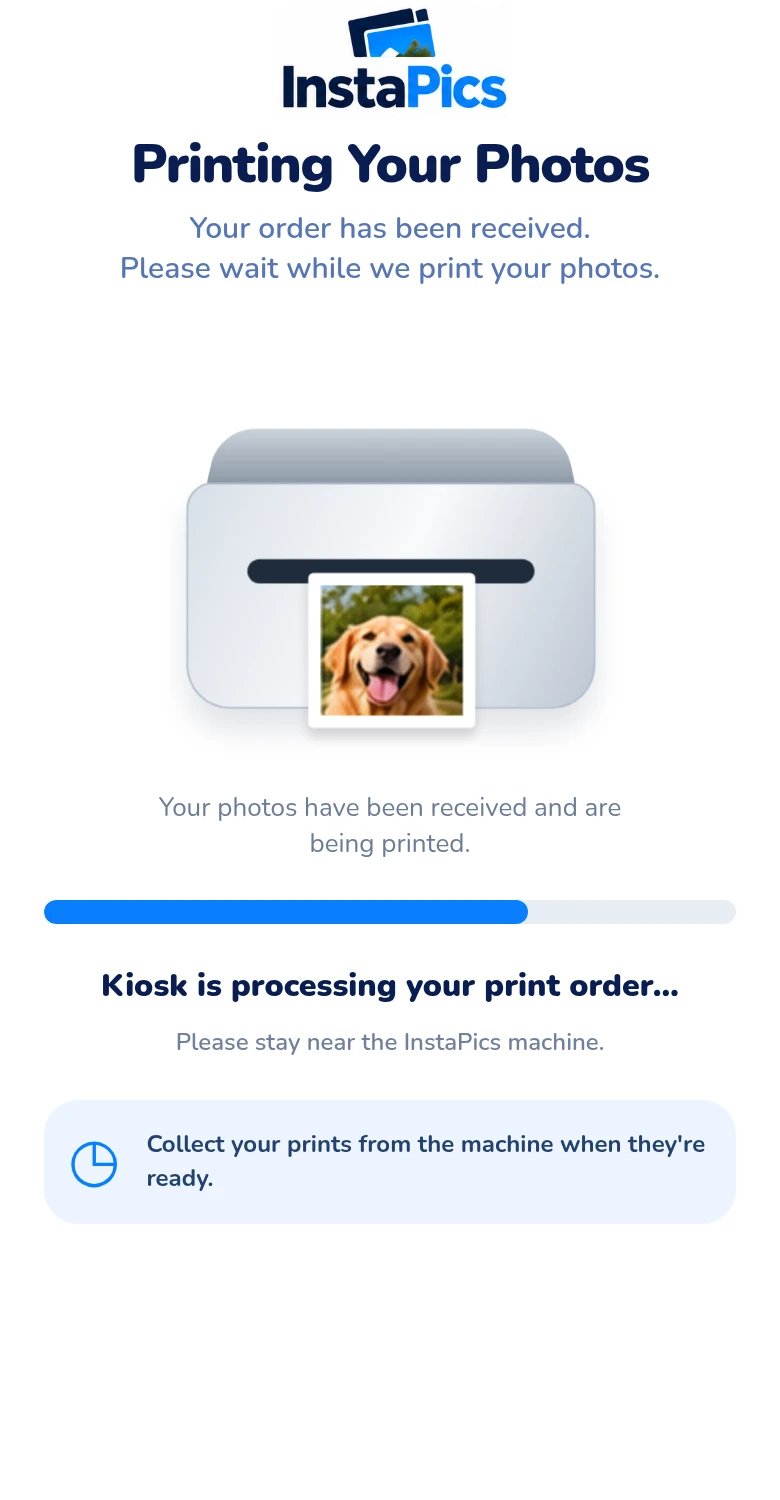
- 04Print
Stay near the kiosk and collect your photos.
Select Your Photos
3 of 20 photos selected


A closer look
Choose. Adjust.
Make it yours.
Pick your favorites straight from your camera roll, adjust the crop so every print frames just right, and review before you pay.
- Works in your phone's browser—no download
- Adjust the crop for each 4 × 6
- Review your total before you confirm
The hardware
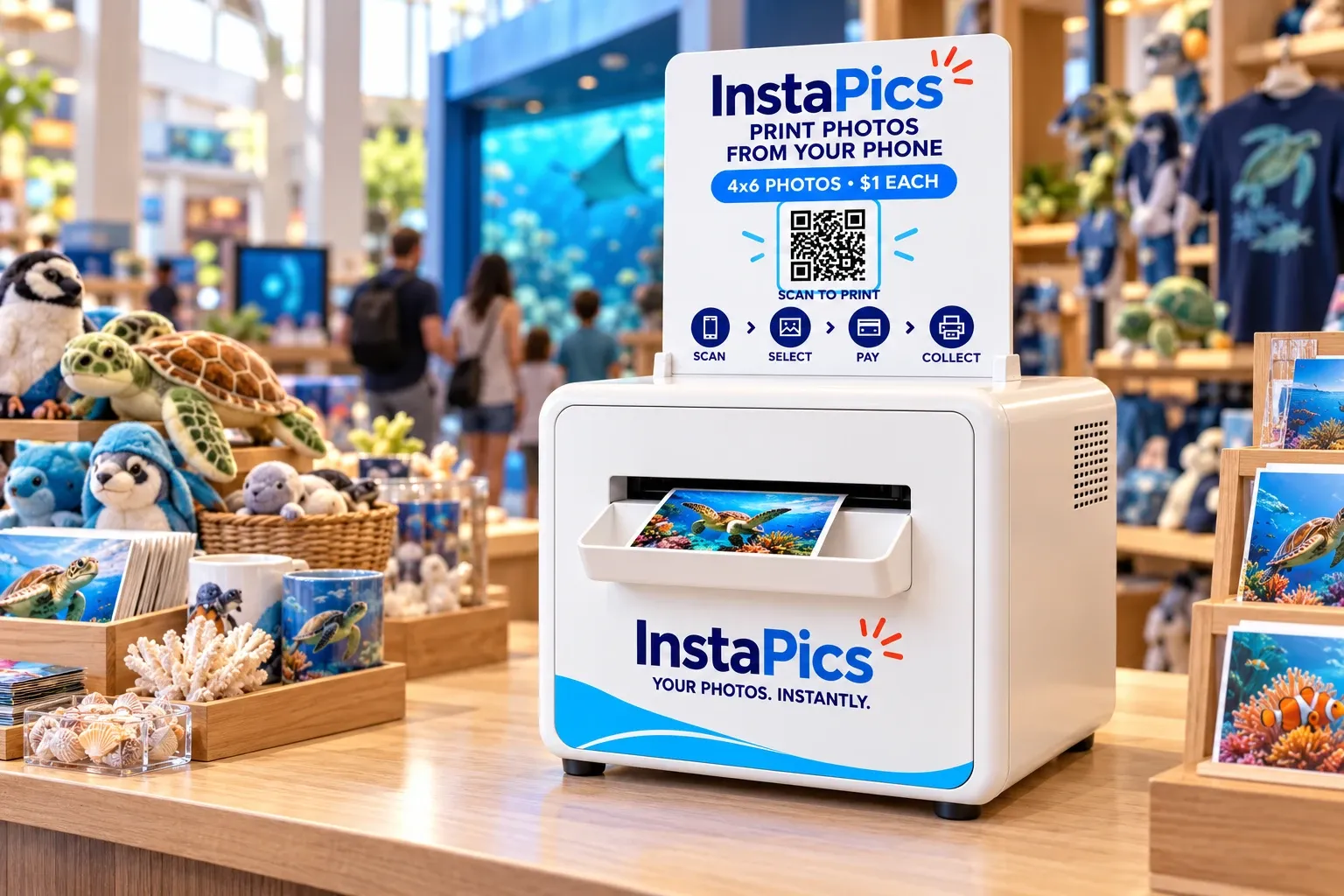
Meet the InstaPics kiosk.
- Rounded white metal cabinet
- Prints 4 × 6 photos
- Ordering and payment on your phone
Sits on a visible, accessible counter.
A kiosk on legs, for spaces without a suitable counter.
FAQ
Questions, answered.
What size are the prints?
4 × 6.
How much does it cost?
$1 per 4 × 6 print. You'll see the total on your phone before you confirm.
Do I need to download an app?
No app needed—just scan the QR code on the kiosk with your phone camera.
Can I print photos already on my phone?
Yes. Choose them straight from your phone.
Where do I pay?
On your phone. The total shows before you confirm.
Where do I collect my prints?
At the same kiosk. Follow the on-screen instructions before leaving.
What if I need help?
Contact us with the kiosk location, order number, and what happened.